
Audio
Important
The previous audio piece has been deprecated:
- Existing audio files will continue to play.
- They cannot be edited.
Description
The “Audio” building block allows sounds to be played directly within the scene without displaying playback controls on screen.
Unlike the previous (now deprecated) audio element, this new option does not interrupt the visual experience and enables sound effects or dialogue to be added in a more flexible way.
How to set it up
Select from the following options.
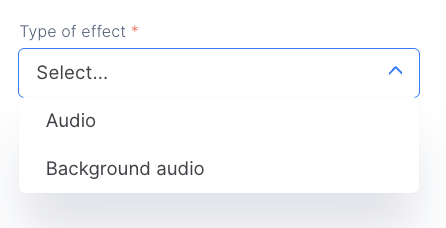
Audio
It is played over the scene in two modes:
- Enable interaction:
The player can continue interacting.
The sound plays at the same time as the next building block.
The sound will play for the duration of the original file while the flow continues advancing to the next step.
If the sound has a long duration, it will overlap and mix with the other sounds from the following building blocks.
Example: when clicking on a computer, you hear the startup sound while the screen turns on and a text appears.
- Interaction disabled:
The sound starts playing, and nothing else happens until the sound has finished.
Example: a character’s dialogue.
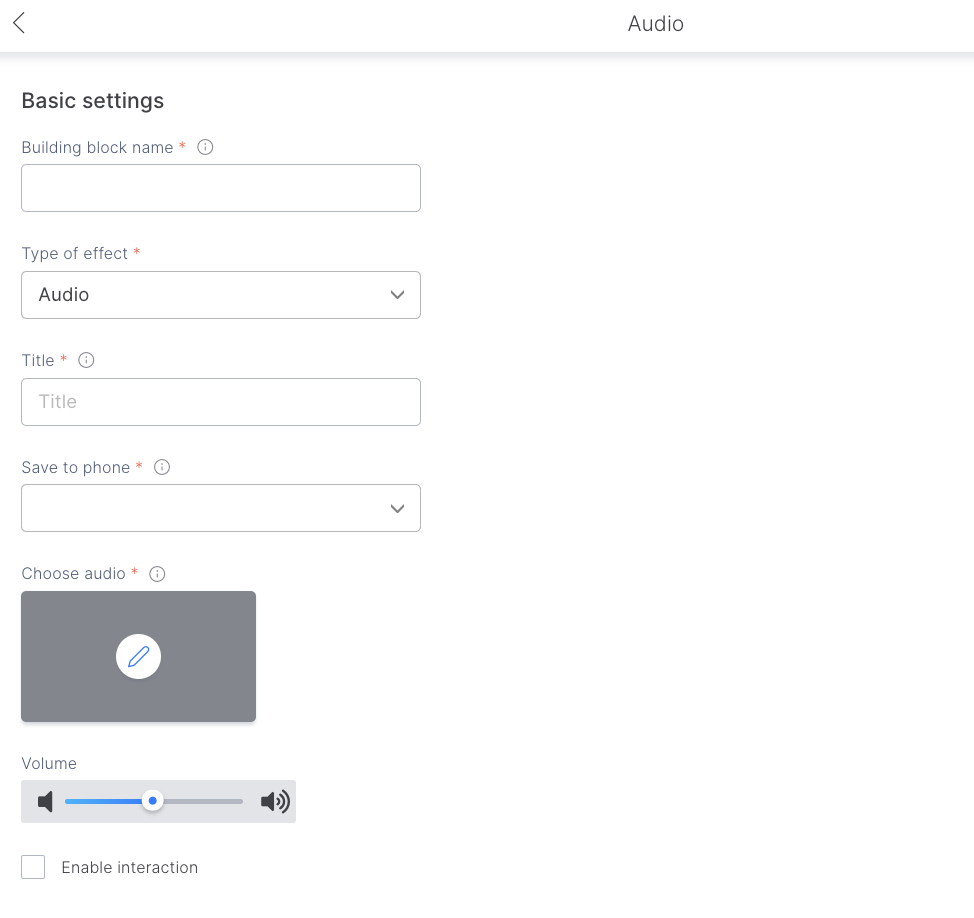
If you choose this option, you will be able to:
- Define file
- Save to device
- Adjust volume
- Enable or disable interaction
Background audio
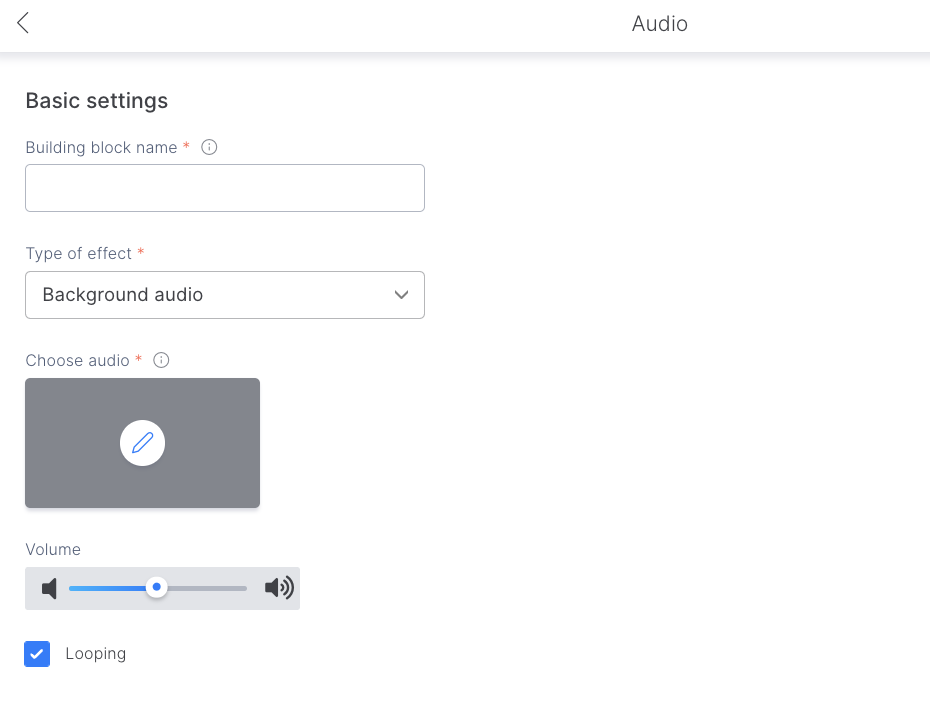
Replaces the existing scene audio used as general ambient sound. It can also be set to loop.
If you choose this option, you will be able to:
- Choose the file
- Adjust volume
- Activate/deactivate the looping option.
Tips and tricks
As a creator, you can use this element to:
- Add sound effects (e.g., opening a door).
- Change the scene’s ambience to enhance storytelling.
Audio can be played without direct interaction with objects.