
-
General
-
Editor
-
Admin
Placard
Dernière mise à jour
Créé parAisling
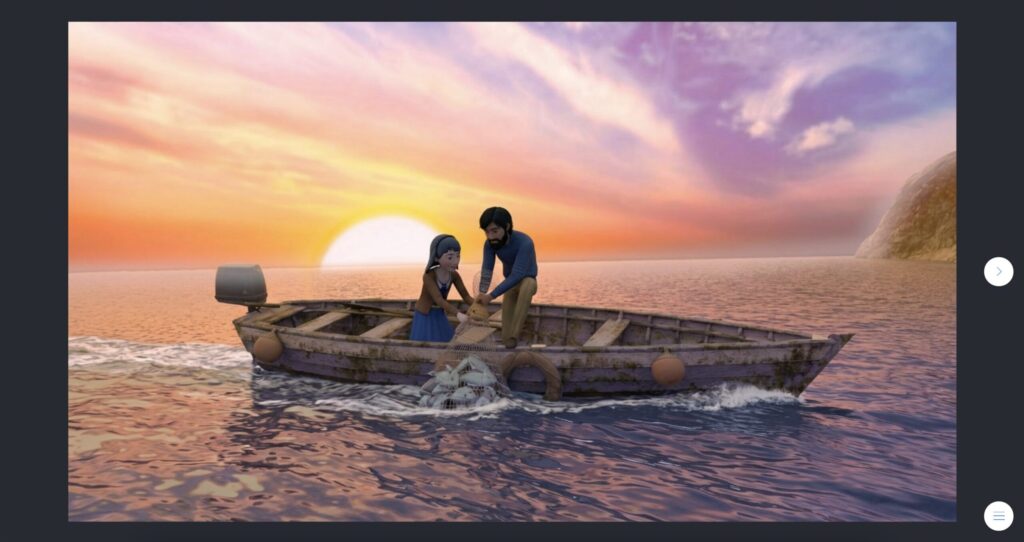
The “Placard” building block is an image to which you can add text and/or audio.
In-game view
The card appears centered on a full screen, but it can be expanded to fill the entire game window.

How to set it up
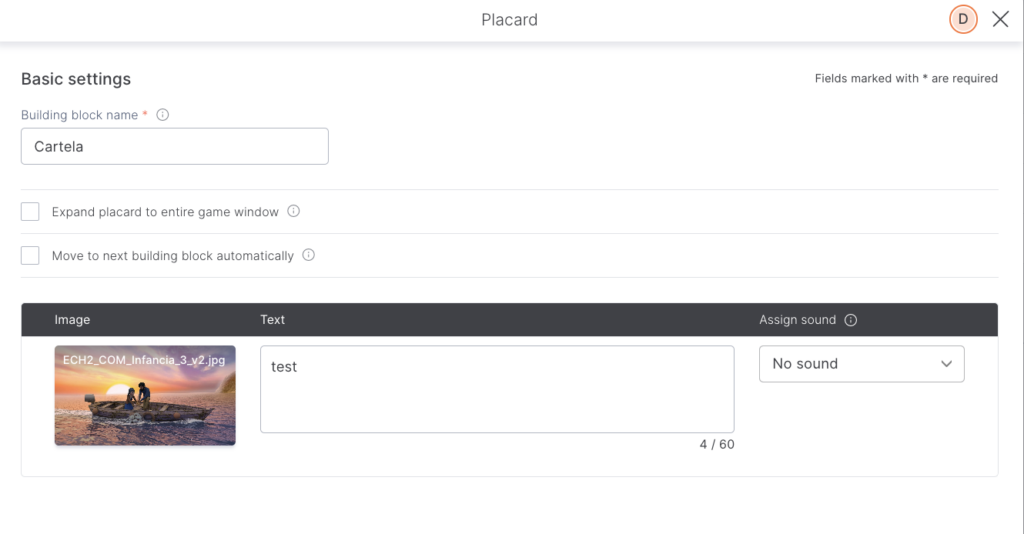
Choose an image, add text (optional), and sync up any audio (optional, it can be your own mp3 file or a character’s synthetic voice).
TIPS AND TRICKS
- If you want to use it to tell a story, it’s probably better to use the “Comic strip” building block, as it allows you to add multiple images and character or narrator dialogues.
Dans cet article :