
Evaluation survey
Important note
Be careful: The Evaluation Survey block can only be used once in a game and should go at the very end.
Description
The Evaluation Survey building block allows the player to answer 4 standard questions so you can evaluate your game and your learners satisfaction with it.
The answers and the NPS will be reported in the Admin Tool.
No configuration necessary, this block is already prepared for you.
In-game view
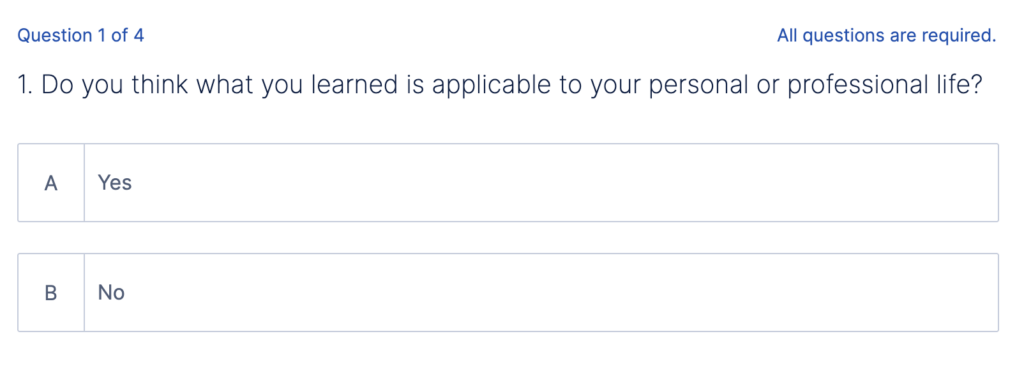
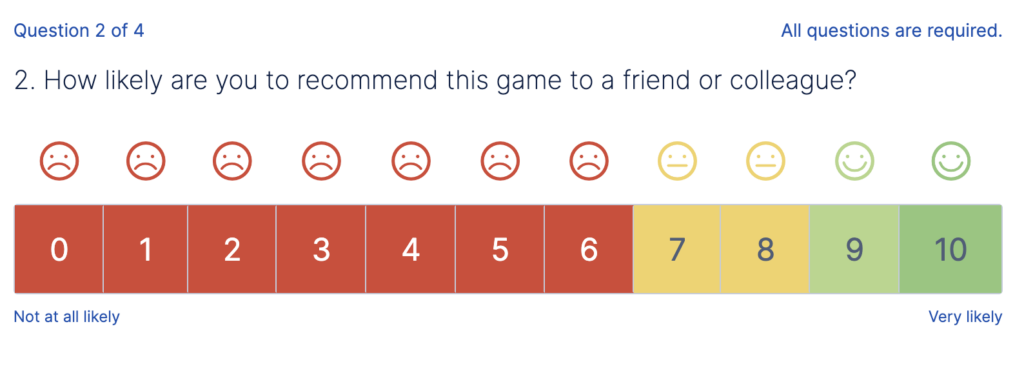
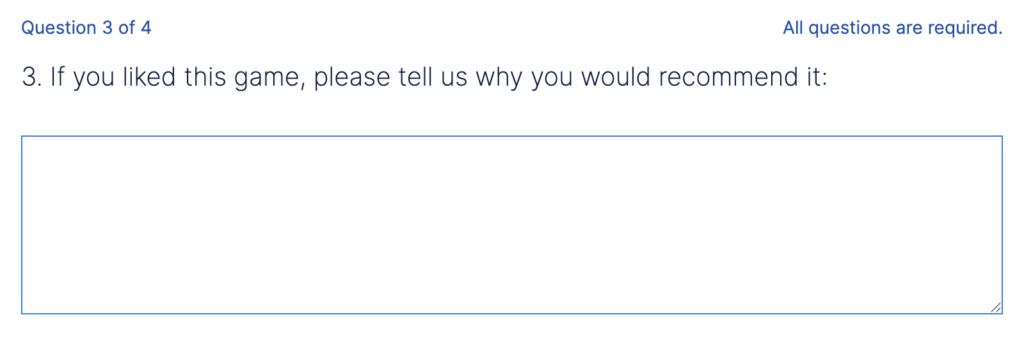
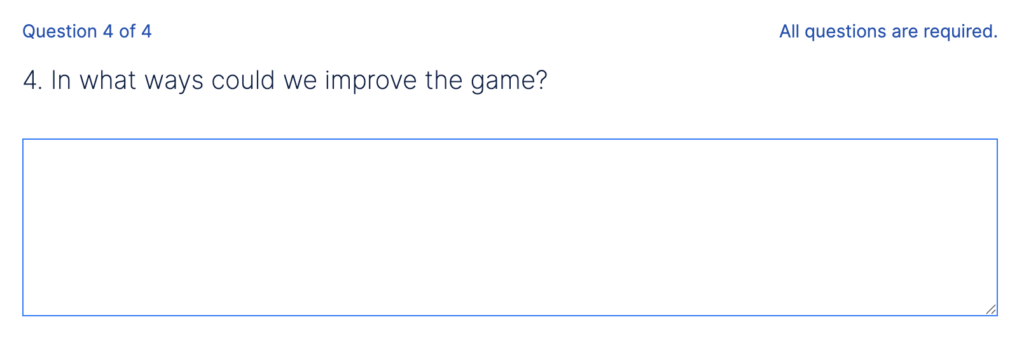
Here are the 4 questions asked in the survey:
Admin view
Survey results will be reported in the Admin Tool.
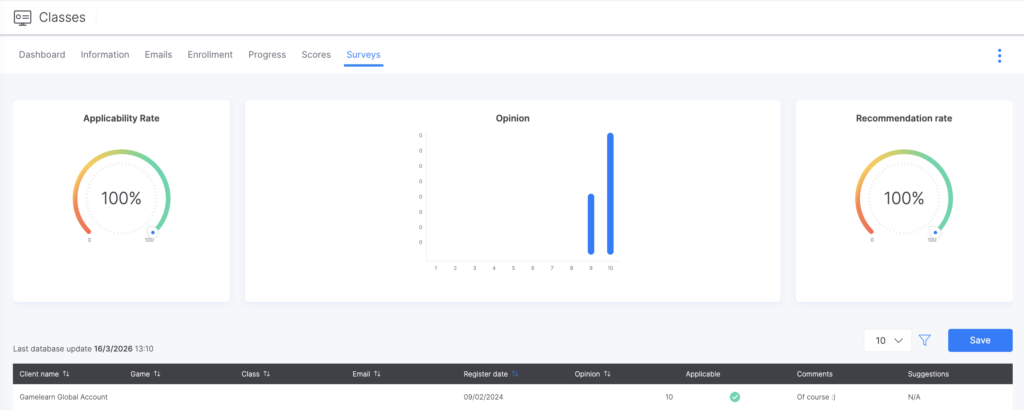
In the “Class” section, you will see different metrics for your game in the “Survey Tab” and “Dashboard Tab”:
- Applicability rate: percentage of “yes” responses out of the total.
- Recommendation rate: Proportion of positive evaluations (scores between 6–10) relative to the total number of responses. For example, if 30 out of 40 responses are positive, the recommendation rate would be 30 ÷ 40 = 0.75 → 75% recommendation rate.
- Opinion: percentage calculated based on the average of all ratings.
- The written comments
- The NPS. For more information, click here.
Metrics will also appear on the general Dashboard and in the Survey Tab per Student but for all the games played in the Campus.