Net Promoter Score (NPS)
NPS
The NPS (Net Promoter Score) is a simple and widely used metric that measures customer satisfaction with a product or service as well as how likely they are to recommend the company to their friends/family.
It’s calculated on a scale of 0 to 10, taking into consideration:
- Detractors: those who rate a product or service somewhere between 0 and 6.
- Passives: those who gave it a 7 or 8.
- Promoters: those who gave it a 9 or 10.
How to calculate NPS
The Net Promoter Score (NPS) is calculated by subtracting the percentage of detractors from the percentage of promoters, based on a survey using a 0–10 scale (excluding neutral responses). The formula is the following: NPS = % of promoters − % of detractors, and the final result is an integer between −100 and +100.
For example, if you survey 100 people and obtain:
- 65 Promoters (65%)
- 15 Passives (15%)
- 20 Detractors (20%)
Calculation:
NPS = 65% − 20% = 45
Your NPS is 45.
Important: an NPS above 0 is considered positive, as there are more promoters than detractors.
NPS in Admin
To check your NPS in the Admin, follow these steps:
- Log in to Admin.
- Click on the “Campus” section in the left-hand side menu of the Admin panel.
- Go to the “Dashboard” tab.
- View the NPS panel.
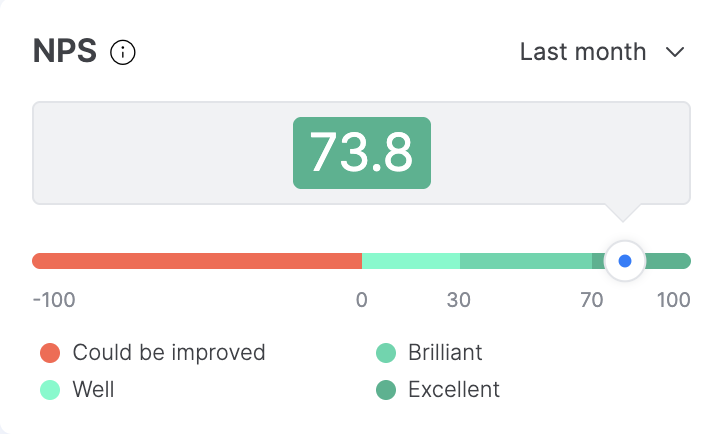
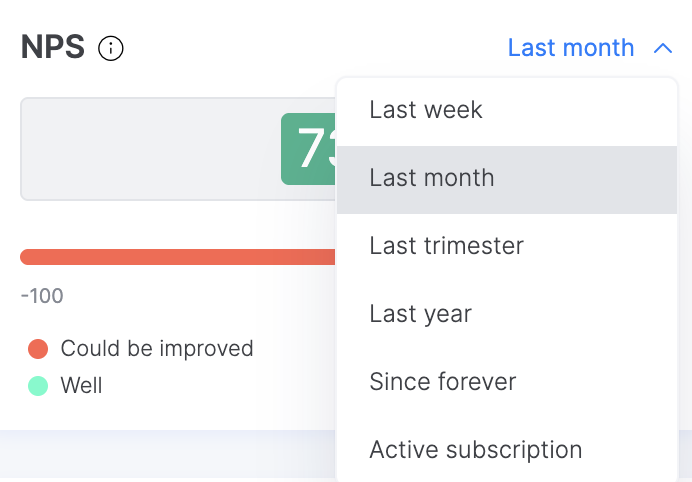
You can use the temporary filters to view the desired NPS, using the options in the drop-down menu.