
Seats-based plan
How seats work
We use seats to offer an annual subscription that provides access to the entire training catalog.
Once you purchase a seat, you will have 12 months to assign it to a client. Any seats that are not assigned within that period cannot be extended or refunded. After the seat has been assigned, the client will then have 12 months to use it. After this period, the subscription will expire, and access will be blocked until it is renewed with the purchase and assignment of new seats.
Buying seats
To buy seats, please get in touch directly with your Game Strategies Partners representative.
Manage customer subscription (renew/modify)
From the Admin panel, you can renew each of your customers’ subscriptions. To do so:
- Go to “Clients” in the left menu.
- Select the client you want to review or modify the subscription.
- Click on the “Subscriptions” tab.
- Click on the three dots in the “Admin” panel.
- Select “Renew”.
Important: ensure you have enough available seats to complete the renewal.
Remember that you can also edit the current client subscription by adding new seats.
View information related to your subscription and seats
You can view all the information related to your subscription and seats from the Admin. To do so, follow these steps:
- Click on your profile initial, found in the top right corner.
- Click on “My account.”
- Select the “Subscriptions” option. Here, you can find the following information:
- Type of plan (Admin and Editor)
- Available seats
- Subscription expiration date
- Purchase history
- Assignment history
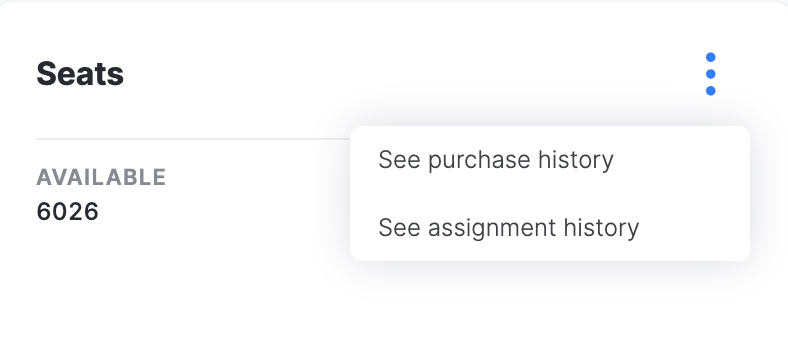
Note: to view your purchase and assignment history, click the three-dot menu in the Seats section.
Checking the status of seats per client
To view the status of seat allocations per client, please follow these steps:
- Go to “Clients” on the left menu.
- Select the client you wish to view.
- Go to the “Subscriptions” tab. Here you’ll see the log of all seats assigned and used by this client.